
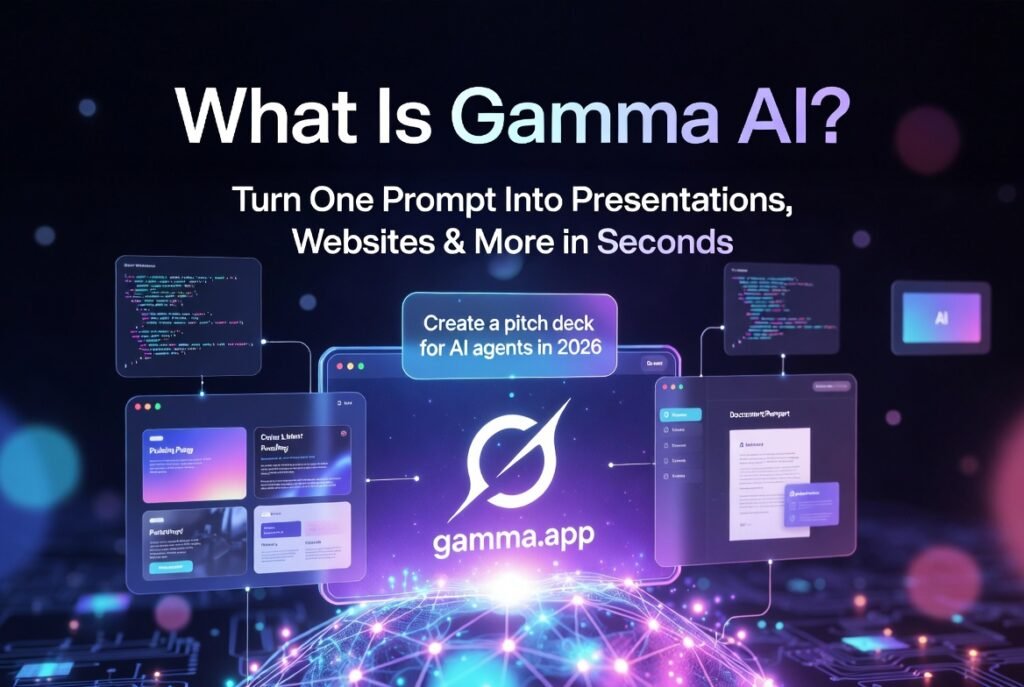
Why Everyone Is Talking About Gamma AI in 2026
Tired of spending hours in PowerPoint or Canva just to make something look decent?
Gamma AI at gamma.app is becoming a tool for turning ideas into professional visuals right away.
You can create a pitch deck, product one-pager, full website, or LinkedIn carousel with Gamma in seconds.
This 2026 guide will show you what Gamma AI is, how it works, and who it is perfect for.
We will also look at whether the free plan is useful.
What Is Gamma AI?
Gamma AI is an all-in-one AI-powered creator that instantly generates:
- Presentations (slide decks)
- Websites & landing pages
- Documents & reports
- Social media posts & carousels
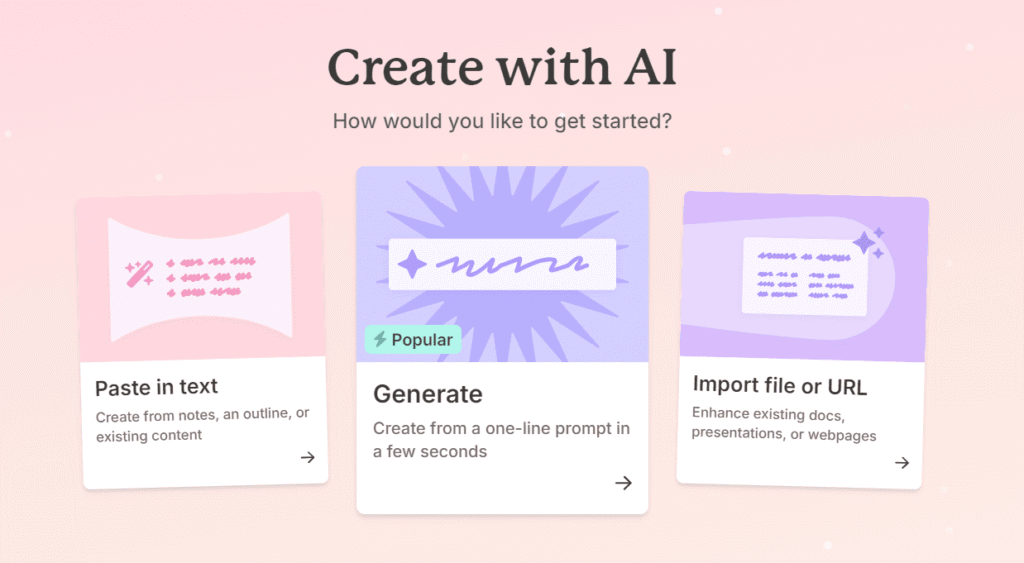
You type what you want or paste some notes, upload a PDF or PPT, or even add a URL.
Gamma’s AI then creates a piece of content that looks great.
It uses layouts with cards to enhance the appearance.
This is not a tool for making slides.
It’s like having a design partner that uses AI to do all the work for you.
It handles how things are laid out, what visuals to use, the words, and even ensures it matches your brand.
Gamma makes it easy to create content that looks professional.
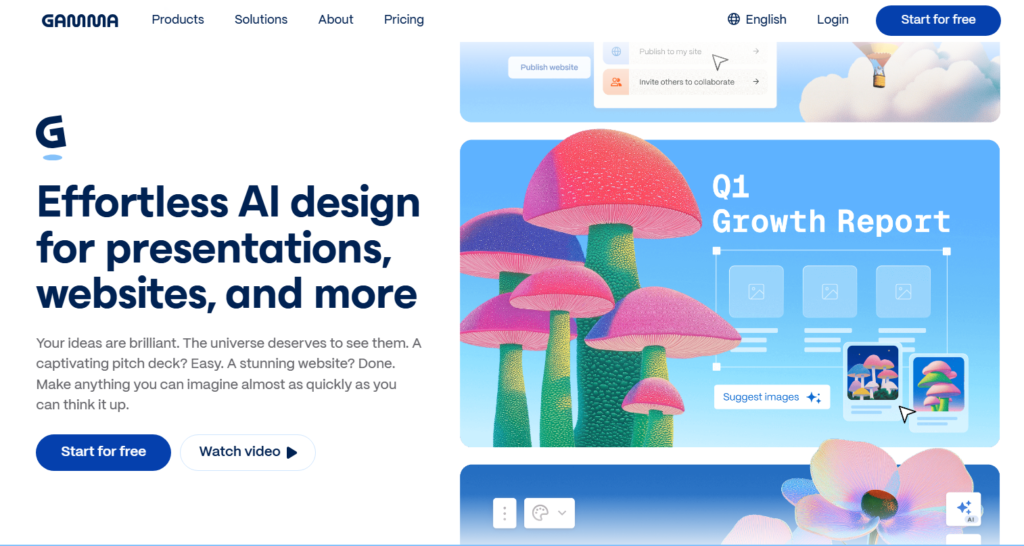
Key Features That Make Gamma Stand Out in 2026
| Feature | What It Does | Best For |
|---|---|---|
| Prompt-to-Deck | One-line prompt → full presentation in <60 seconds | Pitch decks, reports |
| Multi-Format Creation | Presentations, websites, docs, social posts | All content types |
| 20+ AI Models | Access to premium models for better output | Pro & Team plans |
| Smart Import | Upload PDF, PPTX, or paste URL/outline | Quick upgrades of old files |
| Real-Time Collaboration | Team editing + comments | Teams & agencies |
| Brand Kits & Themes | Custom colors, logos, fonts | Consistent branding |
| Analytics Dashboard | Track views, engagement, drop-off rates | Sales & marketing |
| One-Click Export | PDF, PPTX, shareable web link | Client delivery |
| Studio Mode (NEW) | Immersive image-first storytelling | Creative & marketing |
Pricing in 2026: Free Plan Actually Works
Free Plan
- $0 forever
- 400 AI credits at signup (one-time)
- Up to 10 cards per prompt
- Gamma branding on exports
- Perfect for testing or light personal use
Plus (~$8–10/month billed annually)
- Unlimited generations
- Remove “Made with Gamma” branding
- Advanced image models
Pro (~$15–20/month)
- Premium AI models
- Custom brand kit + analytics
- Higher limits & team features
Team and Enterprise plans are also available for larger organizations.
Who Is Gamma AI Perfect For?
- Students → Essay presentations, project reports, thesis defenses
- Marketers & Content Creators → Campaign decks, thought leadership, social carousels
- Sales & Founders → Pitch decks, investor updates, proposals
- Freelancers & Consultants → Client deliverables that look premium
- Teams → Real-time collab without version-control chaos
If you hate design but need to look professional, Gamma is made for you.
Quick Demo: How Fast Is It Really?
- Go to gamma.app → Sign up (free)
- Click Generate
- Type: “Create a 10-slide Q2 marketing strategy update for a SaaS company focusing on AI features”
- Hit enter → Watch Gamma build it live
Total time? Usually under 60 seconds. Then tweak, add your logo, and export.
Should You Use Gamma AI in 2026?
If you want to work and have a nice, modern look without all the hassle of designing everything, then yes, this is a good choice.
If you need everything to be perfect, like PowerPoint slides, then maybe not.
The things you create with Gamma are really good; sometimes they need a little fixing up.
Gamma is the way for people who are not designers to make really great-looking things.
Gamma is a way for people who are not designers to create great visual content.
Want to give Gamma a try?
You can start using Gamma for free at gamma.app. You will get 400 credits right away.
FAQ
Q: Is Gamma AI free? A: Yes — with 400 starter credits and no credit card required.
Q: Can I export to PowerPoint? A: Yes, clean exports are available on Plus and Pro plans.
Q: Is it good for teams? A: Excellent — real-time collab and workspace features on paid plans.
Q: How does it compare to Canva or Beautiful.ai? A: Faster generation and more modern layouts; Canva wins for advanced manual design.