
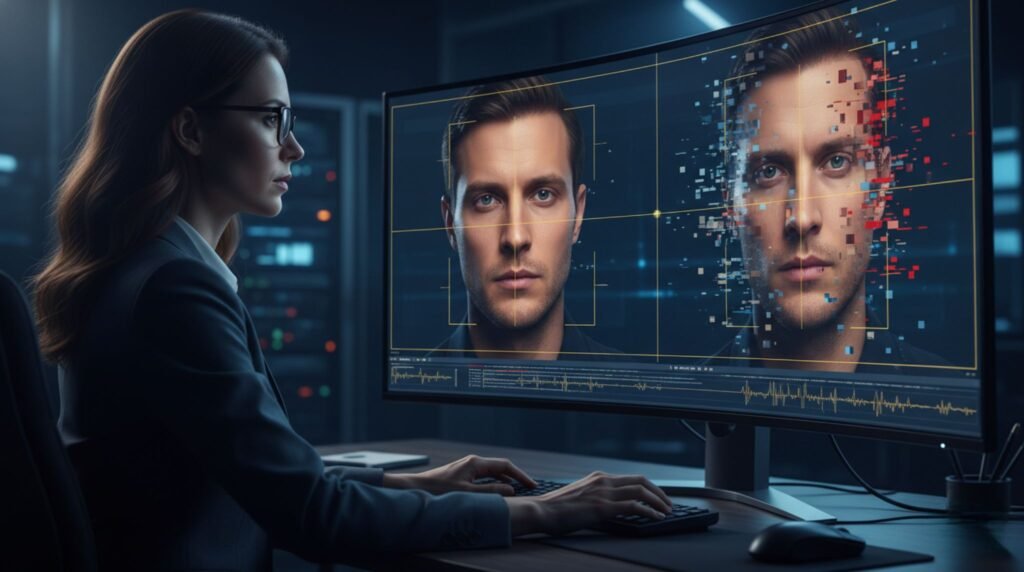
Deepfakes are not just something tech people play with. They are a part of our life now in 2026. Reports say that the number of deepfake files online went up from around 500,000 in 2023 to about 8 million in 2025 and this number is still going up fast. The scary thing about deepfakes is that most people are not good at finding them. Studies show that people are 24.5% accurate in finding high-quality deepfake videos and around 62% accurate in finding deepfake images. The good news is that you do not need equipment or a degree, in cybersecurity to spot deepfakes. There are ways to detect deepfakes that have been tested and proven by researchers and security experts.
Here are 10 practical ways to detect deepfakes in videos and images now:
1. Watch the Eyes and Blinking Patterns
Real humans blink naturally every 2–10 seconds, with subtle muscle movements around the eyes. Deepfakes often stare too long, blink mechanically, or show flickering. In videos, ask the person (if it’s live) to look around—unnatural eye shine or empty stares are huge red flags.
2. Check Head Movements and Side Profiles
Most deepfake models train on front-facing footage. When the head turns or rotates to a profile view, things break down fast: jawlines detach, ears blur, or glasses “melt” into the skin. Pause and watch any head turn slowly—this is one of the most reliable manual checks in 2026.
3. Zoom In on Skin Texture, Teeth, and Fine Details
AI-generated faces usually appear perfect like someone has applied a lot of makeup. The skin looks really smooth. It is not natural. Sometimes the pores and wrinkles on AI-generated faces do not look right. AI-generated faces have a problem with teeth. The teeth can change shape look too good to be true or they can be blurry. Jewelry and hair on AI-generated faces can also be weird. They can move together like they are stuck, of moving individually like real hair and jewelry do, on real people.
4. Test Lip Sync and Mouth Movements
In videos, mouth movements should perfectly match the words. Look for delays, odd mouth shapes, or teeth that don’t align with speech. This remains one of the most common giveaways even in advanced 2026 deepfakes.
5. Listen Closely to Audio and Breathing
Human speech has natural breathing, varied intonation, and emotional pauses. Synthetic audio often inserts breath sounds at weird moments, loops identical breaths, or sounds too flat and perfect. Play the clip at normal speed and again slowed down—you’ll often hear the difference.
6. Examine Lighting, Shadows, and Reflections
Real lighting creates consistent shadows and reflections. Deepfakes frequently get this wrong—shadows don’t match the light source, or reflections in eyes look off. Check how light hits the face versus the background.
7. Scrutinize Hands, Fingers, and Gestures
Even in 2026, AI still struggles with hands. Look for extra or missing fingers, weird bends, flickering, or hands that blend together during movement. This is a classic tell in both videos and still images.
8. Check Metadata and Content Credentials (C2PA)
Look for Content Credentials (the C2PA standard used by Adobe, Microsoft, Google, and others). These act like a digital passport showing where the file came from and if it was edited. Many platforms strip them, but tools like C2PA validators or browser extensions can reveal tampering or missing history.
9. Use Reverse Search and Contextual Clues
Right-click images or export video frames and run them through Google Reverse Image Search, TinEye, or InVID Verification. Ask basic questions: Does the camera angle make sense for the scene? Would someone really film this exact moment? Context that feels “too perfect” or staged is often a giveaway.
10. Run It Through a Reliable Detection Tool
When manual checks aren’t enough, use free or accessible tools:
- Microsoft Video Authenticator – Gives a real-time confidence score for images and videos.
- Intel FakeCatcher – Analyzes blood-flow patterns under the skin (hard for deepfakes to fake).
- Hive Moderation or Reality Defender – Quick scans with probability scores.
- Browser extensions like InVID or Resemble AI Deepfake Detector for everyday use.
No single tool is 100% accurate (they can drop 50% against brand-new deepfakes), but combining them with the manual checks above works best.
Why These Methods Still Work in 2026
Deepfake technology is getting better all the time. It still cannot perfectly copy the way people naturally move or the little things that make us human. The methods I am talking about come from people who work on keeping us online and experts who look at digital evidence. They have tried these methods out in the world this year. These methods look for the flaws that’re still in almost all Artificial Intelligence models, like Deepfake technology. The people who work on keeping us safe are looking at the weaknesses that Deepfake technology has.
Final Tips to Stay Safe
- Slow down before you trust or share anything high-stakes (urgent requests, shocking news, emotional videos).
- Combine 2–3 checks instead of relying on just one.
- Stay skeptical of content that triggers strong emotions quickly.
- Keep your apps and devices updated—platforms are adding better built-in warnings.
Deepfakes aren’t going away, but spotting them doesn’t have to feel impossible. Practice these 10 ways a few times and they’ll become second nature.
Have you spotted something suspicious lately? Drop a quick (anonymous) story in the comments—we’re all learning together.
Stay sharp out there.