
Why These Gamma AI Use Cases Work So Well
Gamma AI is not a tool for making slides. It is a complete system for creating content with artificial intelligence. Gamma AI has a lot of features like Generate, Paste, and Import modes, and also a special ✨ Sparkle editing icon. This means anyone can make appealing cards and visuals very quickly.
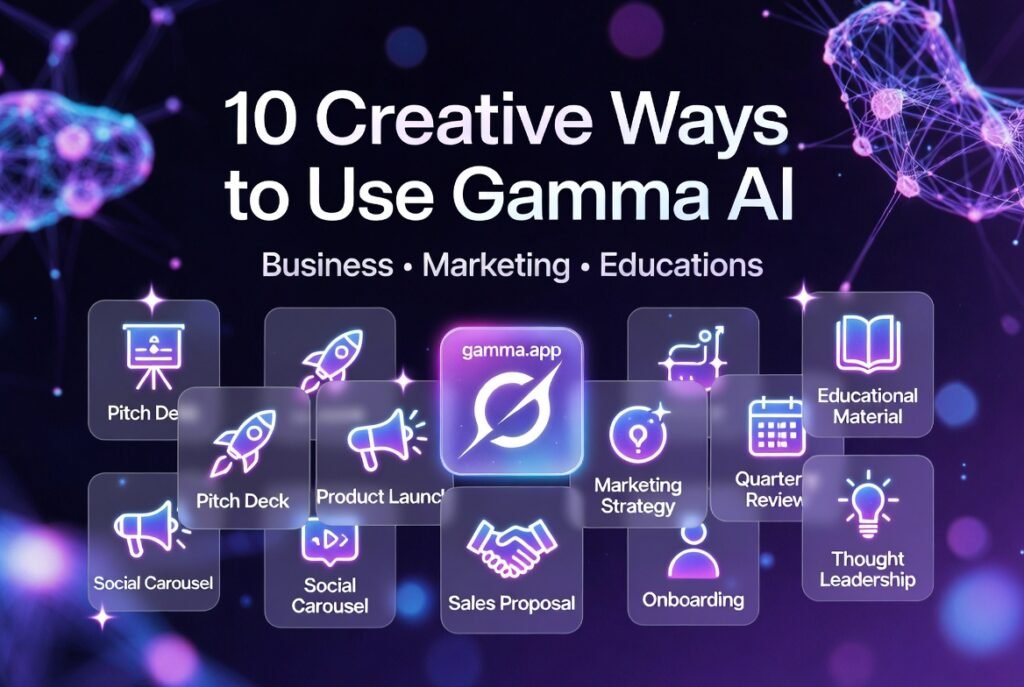
Here are 10 ways that real teams, marketers, teachers, and founders are using Gamma AI now. Each of these ways includes:
A special tip to get results from Gamma AI
Who Gamma AI is perfect for
A prompt that you can copy and use
1. Investor & Startup Pitch Decks (Business)
Best for: Founders, startups, VC meetings
Prompt:
“Create a 12-slide investor pitch deck for [Your Startup Name], an AI tool that automates repetitive tasks. Include problem, solution, market size 2026, traction metrics, business model, team, and clear ask. Modern card layout, dark theme.”
Pro tip: Use Studio mode for immersive visuals that make your deck stand out.
2. Product Launch Presentations (Marketing + Business)
Best for: Product managers, marketing teams
Prompt:
“Build a 10-slide product launch presentation for our new AI feature. Cover new capabilities, benefits, demo screenshots, pricing, customer stories, and call-to-action. Bright modern theme.”
Pro tip: Import your existing product one-pager first, then let Gamma redesign it.
3. Marketing Campaign Strategy Decks (Marketing)
Best for: Marketers, agencies, content teams
Prompt:
“Create a full marketing campaign strategy deck for a B2B SaaS product launch in 2026. Include goals, target audience, channels, content calendar, budget breakdown, and success metrics. Professional blue theme.”
4. Social Media Content Carousels & Threads (Marketing)
Best for: Social media managers, personal brands
Prompt:
“Generate a 8-card LinkedIn carousel about ‘How to Build Autonomous AI Agents in 2026’. Educational tone, bold visuals, clear takeaways, and strong CTA at the end.”
Pro tip: Export as image set or web link for easy sharing.
5. Quarterly Business Reviews (QBRs) & Internal Reports (Business)
Best for: Executives, sales teams, operations
Prompt:
“Create a clean 8-slide business review for our sales team. Include revenue numbers, key wins, challenges, next-quarter goals, and action items. Use charts and minimal text.”
6. Educational Course Materials & Lectures (Education)
Best for: Teachers, professors, corporate trainers
Prompt:
“Design a 15-slide interactive lesson on ‘Introduction to AI Agents’ for university students. Include learning objectives, key concepts, real examples, quiz prompts, and beautiful illustrations.”
7. Sales Proposals & Client Pitches (Business)
Best for: Sales teams, consultants, freelancers
Prompt:
“Build a professional 10-slide sales proposal for [Client Name] showing how our AI solution will save them 15 hours per week. Include problem, solution, ROI calculator, case studies, and pricing.”
8. Training & Employee Onboarding Modules (Business + Education)
Best for: HR, L&D teams
Prompt:
“Create an onboarding presentation for new marketing hires covering tools, processes, brand guidelines, and first-month goals. Friendly tone, step-by-step cards, and checklist slides.”
9. Thought Leadership & Blog-to-Presentation (Marketing)
Best for: Content creators, executives
Prompt:
“Convert this blog post into a 10-slide thought leadership presentation: [paste your blog URL or summary]. Make it engaging for LinkedIn and conference talks.”
Pro tip: Use the Import mode — paste the blog URL and watch Gamma do the rest.
10. Mini-Websites & Event Landing Pages (Marketing + Business)
Best for: Event organizers, product teams, solopreneurs
Prompt:
“Build a beautiful one-page website for our upcoming AI webinar in May 2026. Include speaker bios, agenda, registration form, testimonials, and countdown timer.”
Pro tip: Publish directly as a shareable Gamma web link — no coding needed.
Quick-Start Prompt Template You Can Reuse
Copy this and just swap the details:
“Create a [number]-slide [type] for [audience] about [topic]. Use [style] theme, include [specific sections], and make it modern and engaging.”
FAQ
Q: Can Gamma AI really replace PowerPoint or Canva?
A: For speed and modern design — yes. For ultra-custom pixel-perfect work — use it as a starting point then export.
Q: Are these prompts still working in 2026?
A: Yes! Gamma’s AI has only gotten smarter. The more specific your prompt, the better the result.
Q: Which plan do I need for these use cases?
A: Free plan is enough to test all 10. Upgrade to Plus/Pro when you need unlimited generations and no branding.