
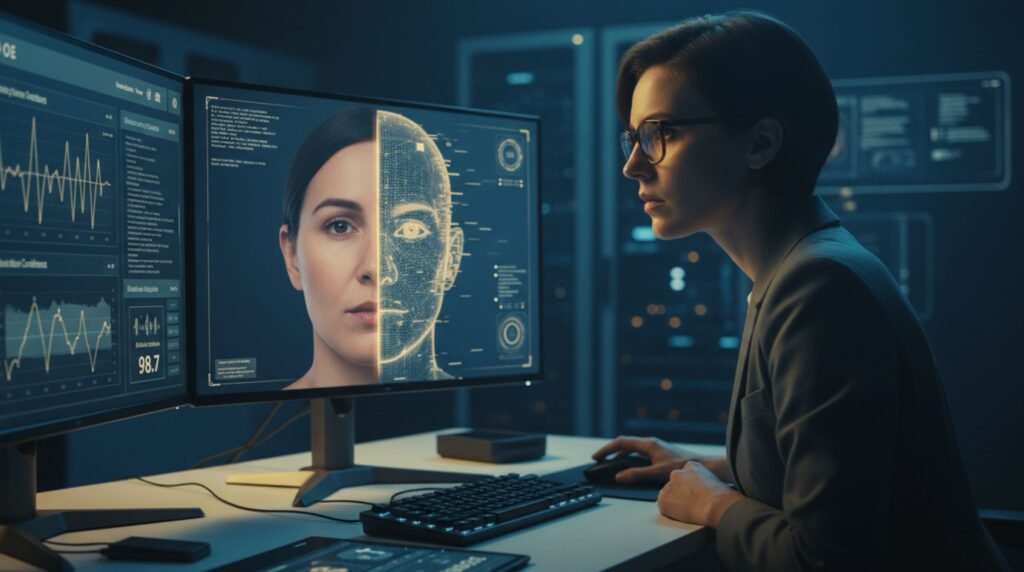
Deepfakes are getting a lot of attention these days.
Reports from people who study computer security show that the number of deepfake videos and pictures shared on the internet went up a lot from about 500,000 in 2023 to around 8 million in 2025. This is a big jump of almost 900% every year. These videos, pictures and voice recordings made by computers are very realistic. They are used for spreading information during elections and for scams that cost people and businesses a lot of money. Sometimes even hundreds of thousands of dollars. The good news is that you do not have to be an expert in computer security to keep yourself safe. If you get into some habits do a few simple checks yourself and use tools that are easy to get you can lower your risk a lot. This can help you be safer, in 2026.
Why Deepfakes Are Getting Harder to Spot — And Why It Matters
Deepfakes are getting better and better. The good ones can copy the way someones face looks the way their lips move and even the way they breathe.. You can still tell they are not real because of little things like blinking at weird times the light not being right or their head moving funny when they turn to the side.
Most people are not good at telling if a deepfake is real or not. In fact people can only tell 24.5% of the time that something is a deepfake. This means we need to be careful and use tools to check if something is real whether we are talking to a colleague on a video call looking at media or getting a message, from someone who looks like a family member. Deepfakes can be tricky so we need to be careful when we see deepfakes or things that might be deepfakes.
Manual Checks: Train Your Eyes and Ears (No Tools Needed)
Start with these practical, everyday techniques recommended by researchers and security agencies:
- Watch the eyes and blinking — Real people blink naturally every 2–10 seconds with subtle muscle movements. Deepfakes often stare too long or blink mechanically.
- Check head movement and side profiles — Ask someone (in a live call) to turn their head. Many models still struggle with 90-degree rotations, causing blurring, detached jawlines, or melting glasses.
- Examine skin, teeth, and details — Look for overly smooth or inconsistent skin texture, teeth that morph or look too perfect, and jewelry or hair that behaves unnaturally (moving as one solid mass instead of individual strands).
- Listen carefully to audio — Real speech has natural breathing, varied intonation, and emotional nuance. Synthetic voices may have awkward pauses, looped breath sounds, or flat delivery even if they sound convincing at first.
- Test lip sync and lighting — Mouth movements should perfectly match words. Shadows and reflections should make sense with the environment.
Pro tip: In video calls, use a quick challenge like “Can you turn your head slowly?” or “Show me the room behind you.” These expose many current deepfakes.
Best Deepfake Detection Tools in 2026
When manual checks aren’t enough, turn to specialized tools. Here are some of the most reliable options available right now:
- Microsoft Video Authenticator (Free)
Analyzes images or videos in real time and gives a confidence score for manipulation. It detects blending boundaries and subtle artifacts invisible to the naked eye. Great for quick social media or email checks. - Intel FakeCatcher
Uses biological signals like blood-flow patterns (photoplethysmography) under the skin — something current deepfakes struggle to fake accurately. Excellent for video verification. - Hive Moderation (Free Chrome extension available)
Scans images, videos, text, and audio for AI generation. It returns clear probability scores and even suggests which model might have created the content. Useful for journalists, fact-checkers, and everyday users. - InVID Verification (Free browser extension)
A favorite among journalists. It offers reverse video search, keyframe analysis, and metadata checks to verify content from social platforms. - Content Credentials (C2PA standard)
Supported by Microsoft, Adobe, Google, and others. Look for the Content Credentials icon or use verification tools to check provenance metadata — proving whether media was AI-generated or edited.
Other notable enterprise-grade options include Reality Defender, Sensity AI, and CloudSEK, which offer real-time monitoring and higher accuracy for businesses.
For browser-based quick scans, try extensions that support C2PA verification or right-click image analysis.
Everyday Habits to Stay Safe
Tools help, but habits protect you long-term:
- Verify before you trust — Never act on urgent requests (money transfers, urgent logins) from video or voice alone. Call back using a known number or use a pre-agreed code word with family/friends.
- Limit your digital footprint — Reduce publicly available photos and videos that AI can train on.
- Check metadata and reverse search — Right-click images or use tools like Google Reverse Image Search or TinEye.
- Stay skeptical of emotional or high-stakes content — Deepfakes often exploit urgency, fear, or excitement.
- Keep software updated — Platform-level defenses (on Zoom, WhatsApp, etc.) improve regularly.
- Report suspicious content — Use platform reporting tools and, for serious scams, file with authorities like the FBI’s IC3.gov.
Government agencies including the FBI, CISA, and NSA emphasize a “zero-trust” approach to unexpected video or voice communications.
The Bigger Picture: Provenance and the Future
In 2026 the best way to deal with this problem for a time is to use content provenance. This means using digital watermarks and metadata, like C2PA that go with the media and show where it came from. Big technology companies are working on this standard so you can tell away if something was made by a computer program or not.
Until everyone is using this standard we need to be careful and use the tools we have now to figure out what is real and what is not. We need to use vigilance and the tools above to make sure we are not being fooled by things that are made to look real but are not.
Final Thoughts
Protecting yourself from deepfakes is not about being paranoid it’s, about taking a little extra time to check things. When AI gets better the ways to spot stuff also get better. So stay curious. Make sure to double-check important interactions. Use tools that you can trust to help you verify things.
Have you seen a video. Gotten a call that seemed suspicious lately? Share what happened in the comments. Don’t share any personal info. When we talk about these kinds of threats openly we can all be safer. Be careful there.